
▶ Table of Contents
In today’s visually-driven digital world, images are a key element of any travel website. They capture the attention of potential travelers, showcase beautiful destinations, and bring your brand to life. However, without proper image optimization and alt text, your website could be missing out on significant opportunities for improved SEO and user experience.
At Wander Women Strategies, we understand the importance of optimizing images to make your website faster, more accessible, and search engine-friendly. Let’s dive into how image optimization and alt text can give your travel company’s website an SEO boost.
What is Image Optimization and Alt Text?
Image Optimization
Image optimization refers to the process of reducing the file size of an image without compromising its quality. Optimizing images ensures that your website loads faster, provides a better user experience, and helps improve search engine rankings.
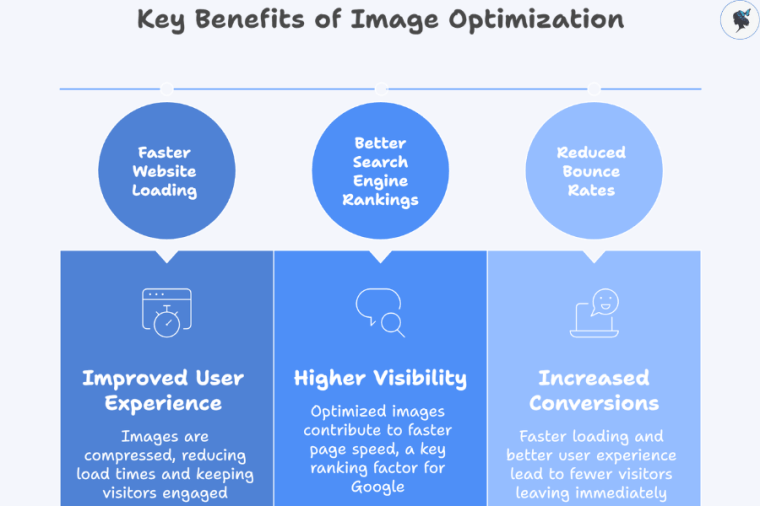
When it comes to images, speed matters. Large, unoptimized images can slow down page load times, leading to frustrated visitors and potentially higher bounce rates. Since page speed is a crucial factor in Google’s ranking algorithm, image optimization plays an important role in ensuring that your travel website ranks well.
Common Image Formats for Optimization
- JPEG: Best for photographs and images with gradients. It provides a good balance between quality and file size.
- PNG: Ideal for images with transparency or high-quality graphics, but the file size can be larger.
- WebP: A modern format that provides high-quality images with smaller file sizes, recommended for faster page loading.
Alt Text (Alternative Text)
Alt text (or alternative text) is a short description of an image that appears in place of the image if it fails to load. Alt text also describes the image for screen readers, making your website more accessible to people with visual impairments.
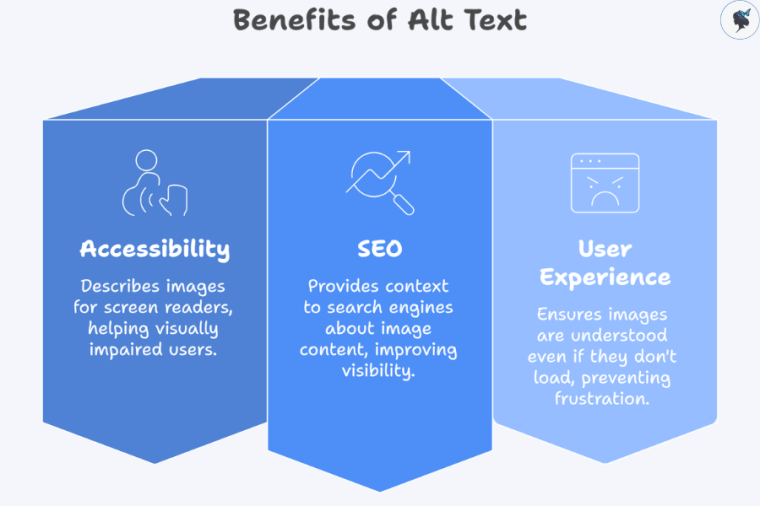
Alt text provides a written description of images that helps both accessibility tools and search engines understand visual content. Traditional search engines like Google and Bing, as well as AI-driven search tools, cannot “see” images the way humans do, so they rely on alt text to interpret them. Well-written alt text improves visibility in image search results, supports keyword relevance, and enhances overall SEO by giving search engines and AI systems clear context about the image’s content, while also ensuring a better experience for users relying on screen readers.
How to Optimize Images and Write Effective Alt Text
Optimizing images and writing alt text isn’t a one-step process—it requires careful planning and execution. Here’s how you can do it:
Image Optimization
1. Choose the Right File Format
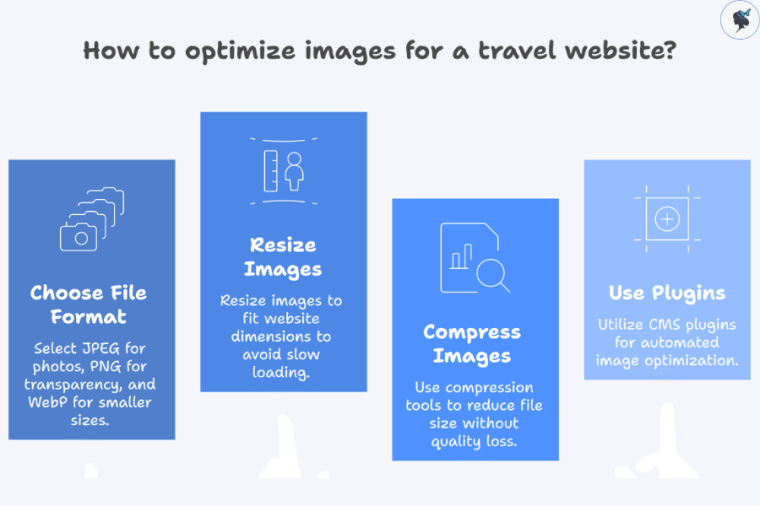
As mentioned earlier, choosing the right file format is key. For travel companies, images often contain landscapes, cityscapes, and destination photos that can be large in file size. By selecting the appropriate file format, you can reduce the file size while maintaining the image quality.
- JPEG works best for photos or images with subtle color changes.
- PNG is better for logos, icons, or images requiring transparency.
- WebP is a great option if you want smaller file sizes without sacrificing quality.
2. Resize Images Appropriately
Images should be resized to fit the space in which they appear. Uploading large images that exceed the dimensions needed for your website will slow down your page. For example, if an image appears as 600px wide on the webpage, there’s no need to upload an image that’s 3000px wide.
Use image editors like Photoshop, TinyPNG, or even WordPress image compression plugins to resize your images before uploading them to your site.
3. Compress Images to Reduce File Size
Once resized, the next step is compression. Image compression reduces file size without sacrificing visible quality. Use image compression tools to strike the right balance between file size and image quality.
- JPEG-Optimizer and ImageOptim are excellent for compressing JPG and PNG files.
- For WordPress users, plugins like WP Smush or ShortPixel can automate the compression process.
4. Use Image Compression Plugins for CMS
If you’re using a content management system (CMS) like WordPress, there are plenty of image optimization plugins that can compress and optimize your images in bulk. For example:
- Smush
- Imagify
- ShortPixel Image Optimizer
These plugins can significantly reduce the load time of your website, improving both SEO and user experience.
Writing Alt Text for Images
Alt text plays a crucial role in helping search engines understand the context of your images. Well-optimized alt text can also improve accessibility for individuals with disabilities.
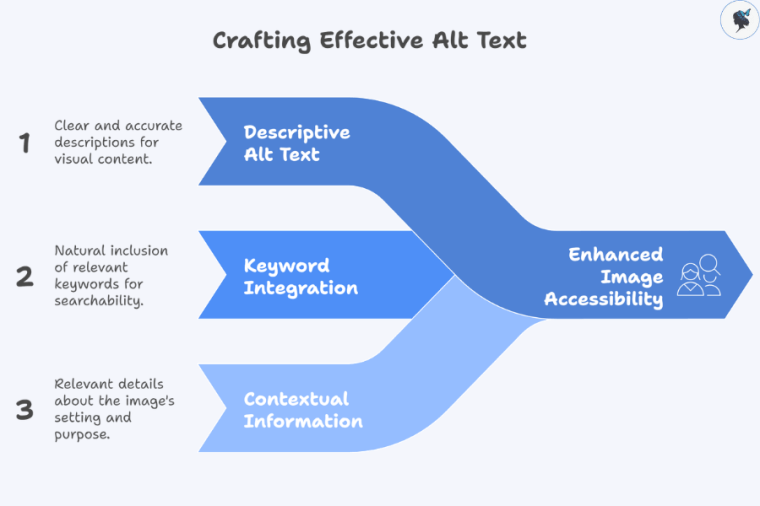
1. Be Descriptive and Accurate
The alt text should describe what is in the image as clearly and accurately as possible. Avoid keyword stuffing or using vague alt text like “image” or “photo.” Instead, focus on describing the content and context of the image, including any relevant keywords naturally.
For example:
- Not ideal: “Vacation photo”
- Optimized: “A scenic view of the Amalfi Coast in Italy, showing a cliffside village by the ocean”
2. Include Relevant Keywords
Incorporating relevant keywords in your alt text can help your images appear in image searches. For a travel website, use location-specific keywords that reflect the image content and align with your SEO goals.
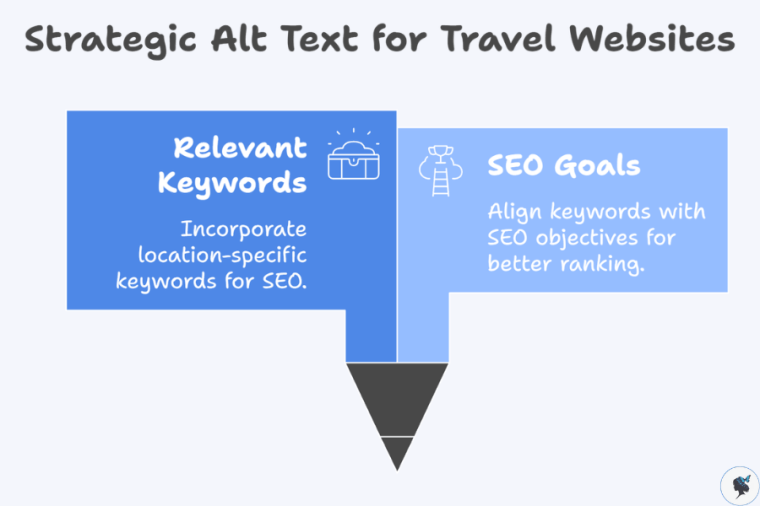
For example, for a beach photo of Maldives, alt text might read:
“Pristine white sand beach in the Maldives with turquoise water and palm trees”
3. Keep it Concise
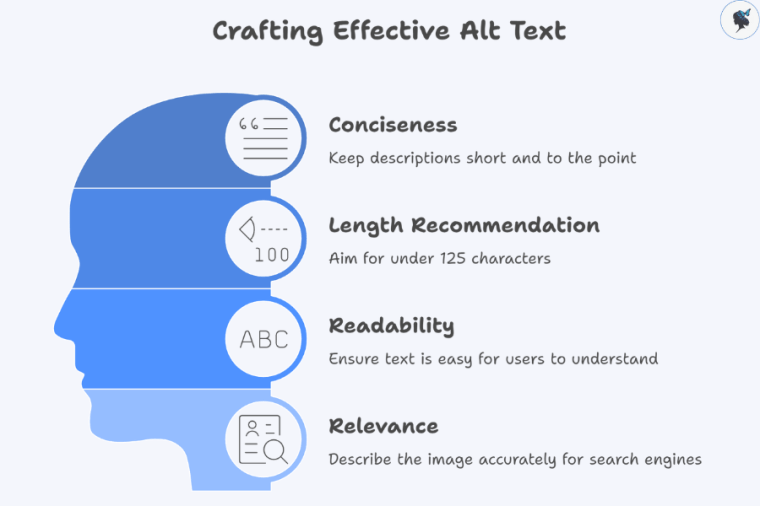
Alt text should be short and to the point, typically no more than 125 characters. Google recommends this length as it ensures that the description is readable and relevant to both search engines and users.
4. Avoid Keyword Stuffing
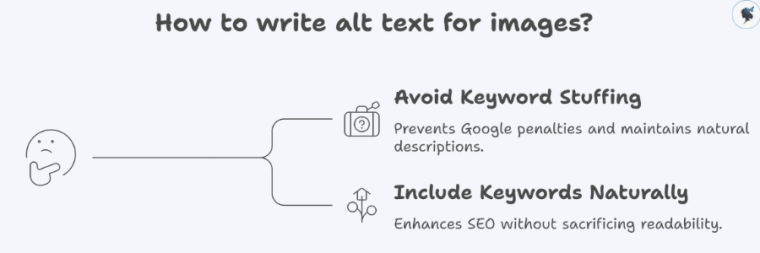
While it’s important to include keywords, avoid overloading the alt text with irrelevant or excessive keywords. Make sure it’s natural and descriptive. Stuffing keywords in the alt text can lead to a penalty from Google and harm your rankings.
Why Image Optimization and Alt Text Are Important for Travel Companies
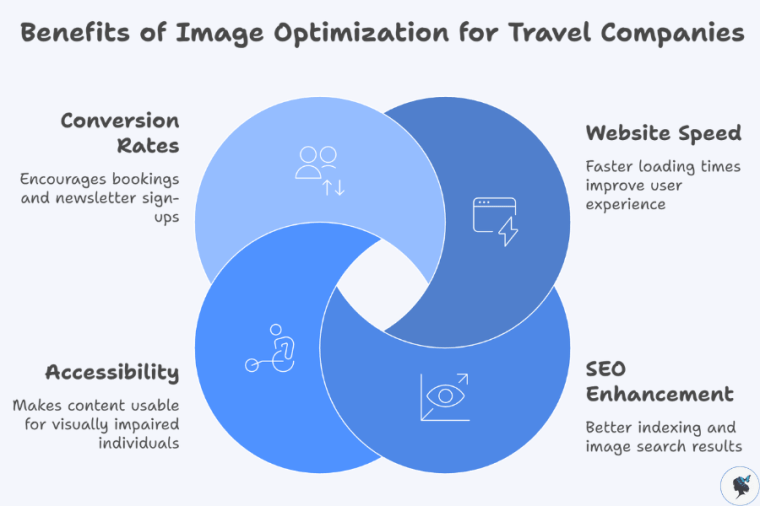
1. Improve Website Speed and User Experience
One of the most important reasons to optimize images is to improve website speed. Slow websites can frustrate users, leading to higher bounce rates and lower conversions. Travelers want to browse your site quickly and efficiently, and images that take too long to load can cause them to leave. By reducing image file sizes without sacrificing quality, your travel website will load faster, providing a smoother experience for users.
2. Enhance SEO and Rankings
Search engines use the alt text to understand and index images, so it’s a powerful tool for improving your SEO. Travel companies that use well-optimized images and alt text have a better chance of ranking in both web and image search results.
- Better Indexing: Search engines can’t “see” images, so they rely on alt text to understand their content. Optimized images with detailed, keyword-rich alt text help search engines index your content.
- Improved Image Search Results: If your images are optimized properly, they have the potential to appear in Google’s image search, driving more traffic to your website.
3. Increased Accessibility
Alt text is not only beneficial for SEO but also for website accessibility. By providing alt text descriptions, you make your website more accessible to visually impaired individuals who rely on screen readers to navigate the web. For travel companies, accessibility is critical to ensuring that all travelers, regardless of their abilities, can engage with your content.
4. Better Conversion Rates
A fast, easy-to-navigate website with optimized images and alt text encourages visitors to stay longer, explore more pages, and ultimately convert. Whether it’s making a booking or signing up for your newsletter, image optimization plays an essential role in driving conversions.
Start Optimizing Your Travel Website Today
Is your travel website ready to be fully optimized for SEO and user experience? Wander Women Strategies is here to help!
Contact us today to learn how we can boost your travel business’s online presence and improve your rankings. Don’t miss out on the opportunity to attract more travelers and grow your brand!
Discover more from Wander Women Strategies
Subscribe to get the latest posts sent to your email.

2 thoughts on “Image Optimization and Alt Text: Enhancing SEO for Travel Websites”
Comments are closed.