

▶ Table of Contents
- Introduction
- Understand the Basics of Website Navigation
- Plan Your Website Structure for SEO
- Optimize Your Main Navigation Menu
- Enhance Internal Linking for Better SEO and User Experience
- Improve Site Search Functionality
- Optimize URL Structure and Navigation Paths
- Use Schema Markup to Enhance Navigation and SEO
- Monitor and Test Navigation Performance
- Conclusion
Introduction
Website navigation is a critical factor that influences both user experience and SEO performance. Good navigation helps visitors find information quickly, reduces bounce rates, and encourages longer site visits — all signals that search engines interpret as indicators of quality. Moreover, a well-structured navigation system makes it easier for search engine crawlers to index your pages effectively, improving your site’s visibility in search results.
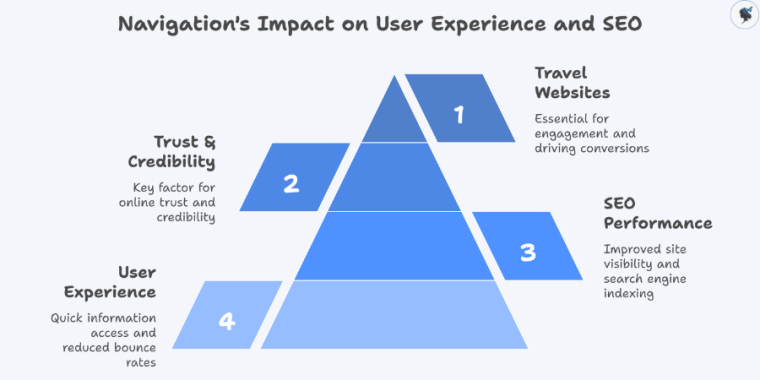
According to a recent report 94% of users say that easy site navigation is a key factor for trust and credibility online. For travel websites, where users often browse multiple destinations, offers, and services, optimizing navigation is especially important to keep visitors engaged and drive conversions.
Understand the Basics of Website Navigation
Website navigation refers to the system of menus, links, and buttons that guide users through a website’s pages and content. It’s essential because it helps visitors find what they’re looking for without frustration, while also signaling to search engines how your site content is organized.
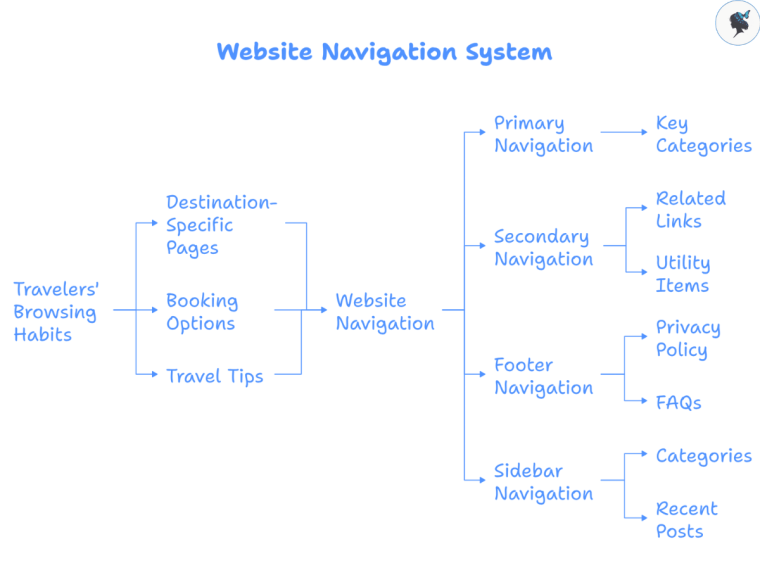
There are several types of navigation menus commonly used:
- Primary navigation: Usually the main menu at the top of the site, featuring key categories.
- Secondary navigation: Additional menus that might include related links or utility items like login or contact info.
- Footer navigation: Links at the bottom of the page for important but less prominent pages like privacy policy or FAQs.
- Sidebar navigation: Often used on blogs or content-heavy sites for quick access to categories or recent posts.
Travelers’ browsing habits influence how navigation should be designed. For example, many users look for destination-specific pages, booking options, or travel tips, so your navigation should reflect these priorities. 55% of users say website navigation is the top factor influencing their perception of a site’s quality.
Plan Your Website Structure for SEO
Your website’s structure is how its pages are organized and linked, often represented as a sitemap. A logical hierarchy groups related content together, making it easier for users and search engines to understand your site.
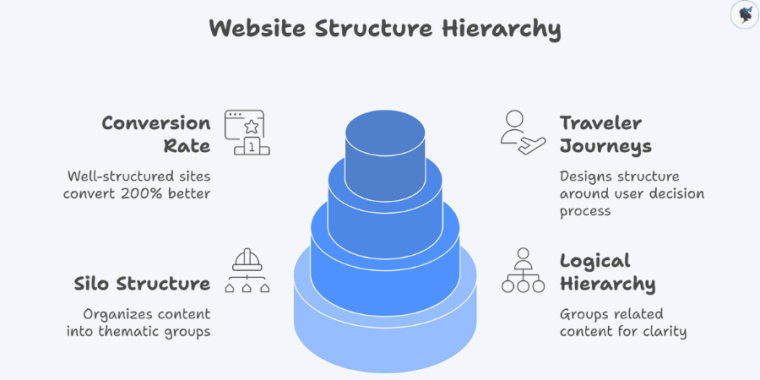
Using a silo structure means organizing content into thematic groups or “silos” that focus on specific topics or destinations, improving topical relevance and boosting SEO. For example, a travel agency website might have main categories like “Destinations,” “Tours,” and “Travel Tips,” with subcategories for regions or types of tours underneath.
Designing your structure around typical traveler journeys enhances usability. For instance, a hotel website might organize pages for “Rooms,” “Amenities,” “Dining,” and “Local Attractions” to guide visitors naturally through their booking decision process.
An ideal sitemap example for a boutique hotel might include:
- Home
- Rooms & Suites
- Dining
- Local Attractions
- Booking
CXL Institute reports that well-structured websites convert 200% better than poorly structured ones—implying a strong correlation between clear site architecture and higher engagement, which could translate to improved SEO rankings.
Optimize Your Main Navigation Menu
Your primary navigation menu is one of the first things visitors interact with, so it must be clear and concise. Limiting menu items to 5-7 helps avoid overwhelming users and keeps choices focused.
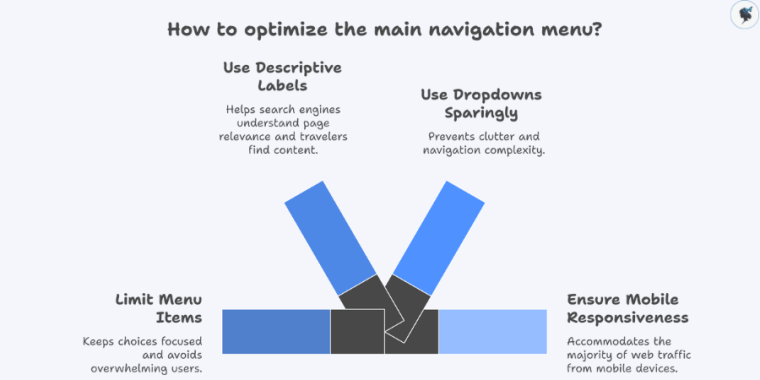
Labels in the menu should be descriptive and, where appropriate, include keywords that travelers might use in searches (e.g., “Family-Friendly Hotels” instead of just “Hotels”). This also helps search engines understand the relevance of your pages.
Dropdown menus are useful for showing subcategories but should be used sparingly to prevent clutter and navigation complexity. Also, with over 60% of web traffic coming from mobile devices, your navigation must be mobile-responsive. Hamburger menus or collapsible menus are common mobile solutions that keep navigation accessible without crowding the screen.
Expedia uses clear categories like “Hotels,” “Flights,” “Cars,” and “Packages” in its main menu with dropdowns that show popular subcategories.
Enhance Internal Linking for Better SEO and User Experience
Internal links connect one page of your website to another, helping visitors discover related content and spreading “link juice,” which is the SEO value passed between pages. This helps search engines crawl your site more efficiently and understand which pages are important.
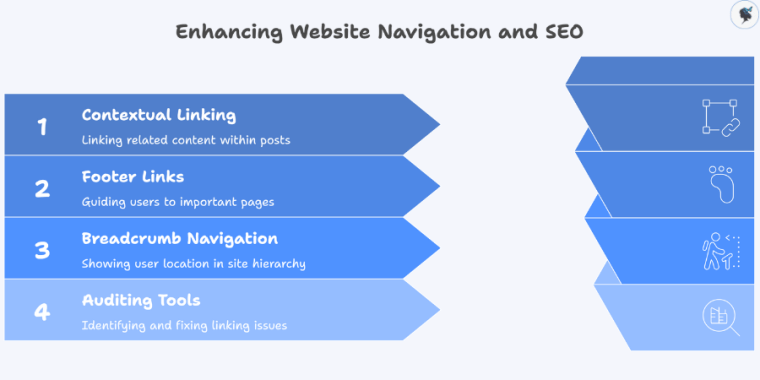
Contextual internal linking within blog posts or service descriptions adds relevance and encourages users to explore further. Footer links can also guide visitors to important pages like contact info or policies.
Breadcrumb navigation is a type of secondary navigation showing users their current page location relative to the site hierarchy (e.g., Home > Destinations > Europe > Italy). This not only improves usability but also helps search engines understand page relationships.
Tools like Screaming Frog and Ahrefs help audit and optimize internal linking by identifying orphan pages or broken links.
Improve Site Search Functionality
Many travelers use on-site search to quickly find specific destinations, packages, or travel tips. An effective search feature improves user satisfaction and keeps visitors engaged longer.
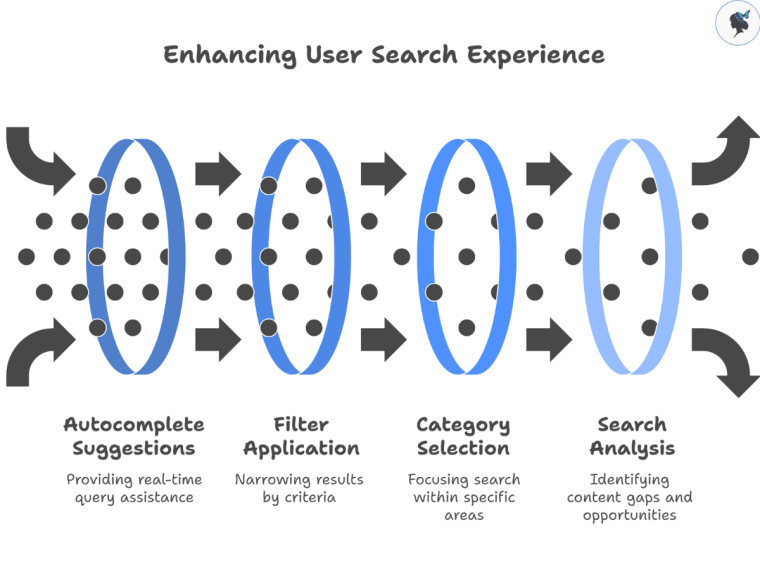
Key features include autocomplete (suggesting queries as users type), filters (to narrow down results by date, price, location), and category-based search (e.g., searching within tours or hotels separately).
Analyzing what users search for on your site provides insights into content gaps and opportunities to improve navigation or create new pages. For example, if many users search for “eco-friendly tours,” you might consider adding that category prominently.
Optimize URL Structure and Navigation Paths
An SEO-friendly URL reflects the site’s hierarchy and helps both users and search engines understand the page topic. For example, http://www.travelagency.com/destinations/europe/italy/rome clearly shows the path from homepage to the specific location.
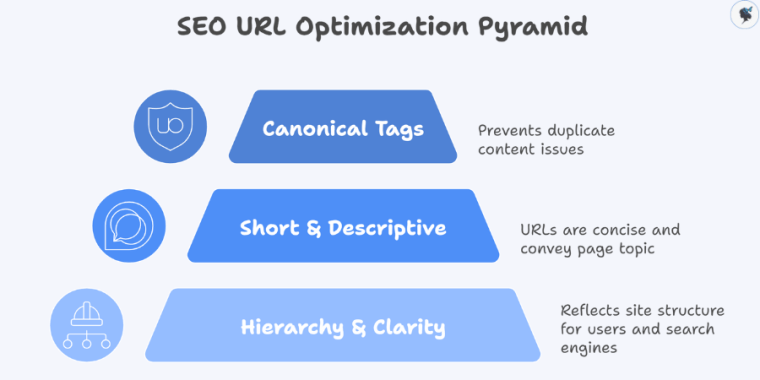
Avoid excessively deep URL structures, as they make crawling harder and URLs difficult to read. Also, keep URLs short and descriptive.
Use canonical tags to indicate the preferred version of a page if there are multiple URLs with similar content, which prevents duplicate content issues caused by navigation elements like filters or session IDs.
Use Schema Markup to Enhance Navigation and SEO
Schema markup is a type of structured data that helps search engines better understand your site’s content and display rich snippets in search results, enhancing click-through rates.
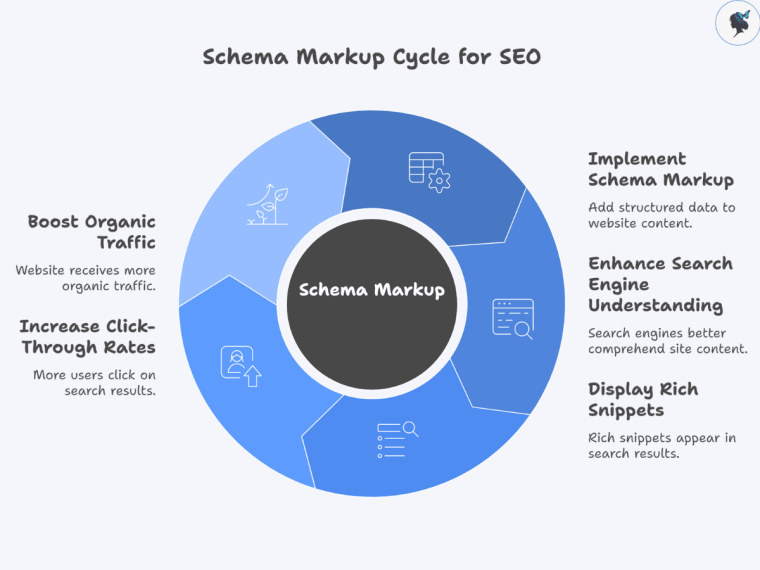
Implementing breadcrumb schema allows search engines to display breadcrumb trails directly in search results, improving visibility and helping users navigate.
LocalBusiness schema provides detailed business information like address, hours, and reviews, boosting local SEO signals crucial for travel brands.
A recent study by Search Engine Journal showed that websites using schema markup see up to a 30% increase in organic traffic.
Monitor and Test Navigation Performance
Continuous monitoring and testing are essential to ensure your navigation meets user needs and SEO goals.
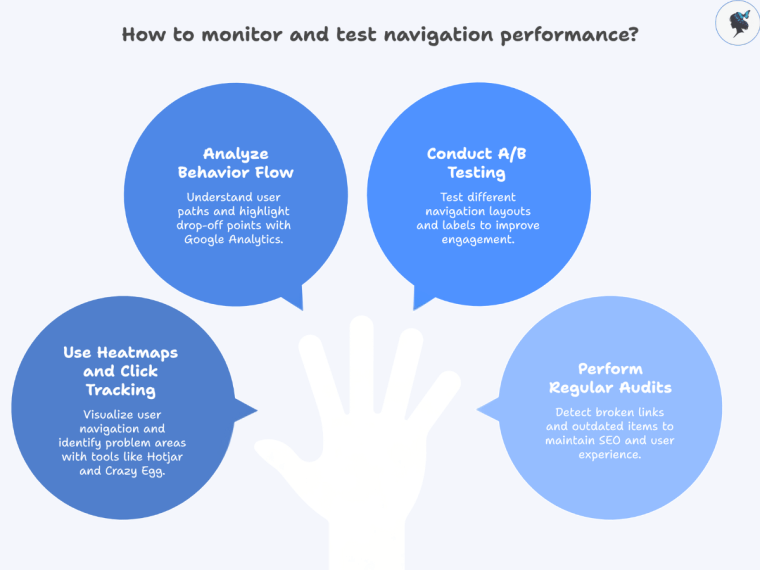
Tools like Hotjar and Crazy Egg provide heatmaps and click tracking to visualize where users navigate and identify problem areas.
Google Analytics’ Behavior Flow report shows the paths visitors take through your site, highlighting where users drop off or get stuck.
A/B testing different menu layouts, labels, or placement can reveal what drives better engagement. Regular audits help detect broken links or outdated navigation items that harm SEO and user experience.
Conclusion
Improving the navigation of your travel website is vital for creating a positive user experience and boosting SEO performance. By understanding navigation basics, planning a logical structure, optimizing menus, enhancing internal linking, and using tools like schema markup and site search, you can make your site easier to use and more search-engine friendly.
Remember, navigation is not a one-time task but an ongoing process that requires regular monitoring and optimization to adapt to traveler behaviors and search engine updates. Prioritize navigation improvements as a core part of your travel website’s SEO strategy to keep visitors engaged and convert searches into bookings.
Need help with your website structure? Contact us today to get started!
Discover more from Wander Women Strategies
Subscribe to get the latest posts sent to your email.

One thought on “How to Improve the Navigation of Your Travel Website for SEO”
Comments are closed.