
▶ Table of Contents
- How Strategic Links Build Credibility, Rankings, and Better User Experiences
- What Is Internal Linking?
- Why Internal Linking Matters for SEO
- How Internal Linking Builds Credibility and Authority
- A Step-by-Step Internal Linking Strategy for SMEs
- Real-World Internal Linking Examples
- Internal Linking Best Practices
- The Future of Internal Linking in SEO
- Conclusion
How Strategic Links Build Credibility, Rankings, and Better User Experiences
If you’re investing time and money into creating content for your website, there’s a good chance you’re overlooking one of the most powerful SEO tools available: internal linking.
Many small and medium-sized businesses focus heavily on keywords, content creation, and backlinks. While those elements remain important, the way your pages connect to one another can significantly impact how search engines understand your website and how users navigate it.
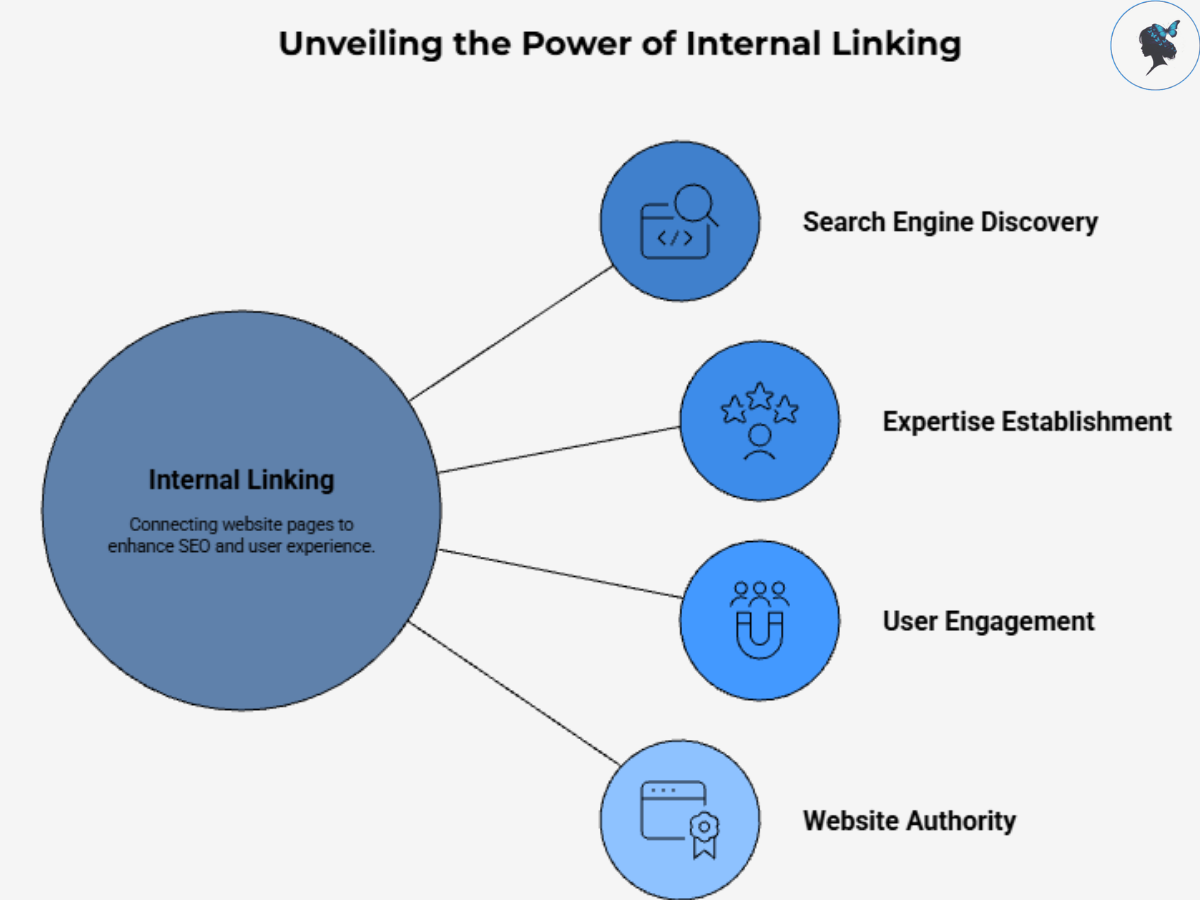
Internal linking is one of the few SEO strategies that is completely under your control. Done correctly, it can help search engines discover your content, establish your expertise, improve user engagement, and strengthen your website’s overall authority.
In this guide, we’ll explore why internal linking matters, how it contributes to credibility and rankings, and the exact steps you can take to build an effective internal linking strategy for your business.
You might like: using AI to find your best keywords.
What Is Internal Linking?
Internal links are hyperlinks that connect one page on your website to another page on the same domain.
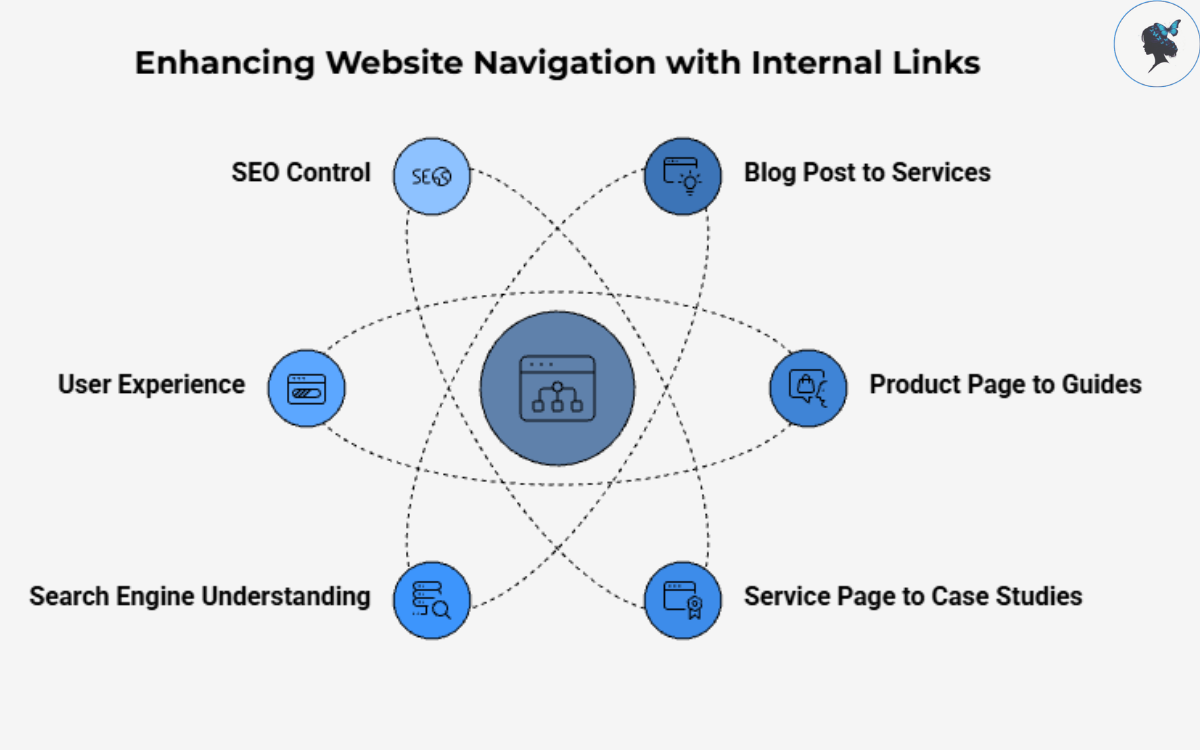
For example:
- A blog post about local SEO linking to your SEO services page.
- A product page linking to a related buying guide.
- A service page linking to customer case studies.
These links help visitors discover relevant information while helping search engines understand the structure and relationships within your website.
According to Google’s Search documentation, links are one of the primary ways search engines discover content and understand page relevance.
Unlike external backlinks, which depend on other websites linking to you, internal links are entirely within your control, making them one of the most accessible SEO improvements for SMEs.
You might like our post: creating SEO-friendly blog posts.
Why Internal Linking Matters for SEO
Think of your website as a city.
Without roads connecting different locations, people would struggle to move around. Search engines face a similar challenge when pages are isolated from one another.
Internal links create those roads.
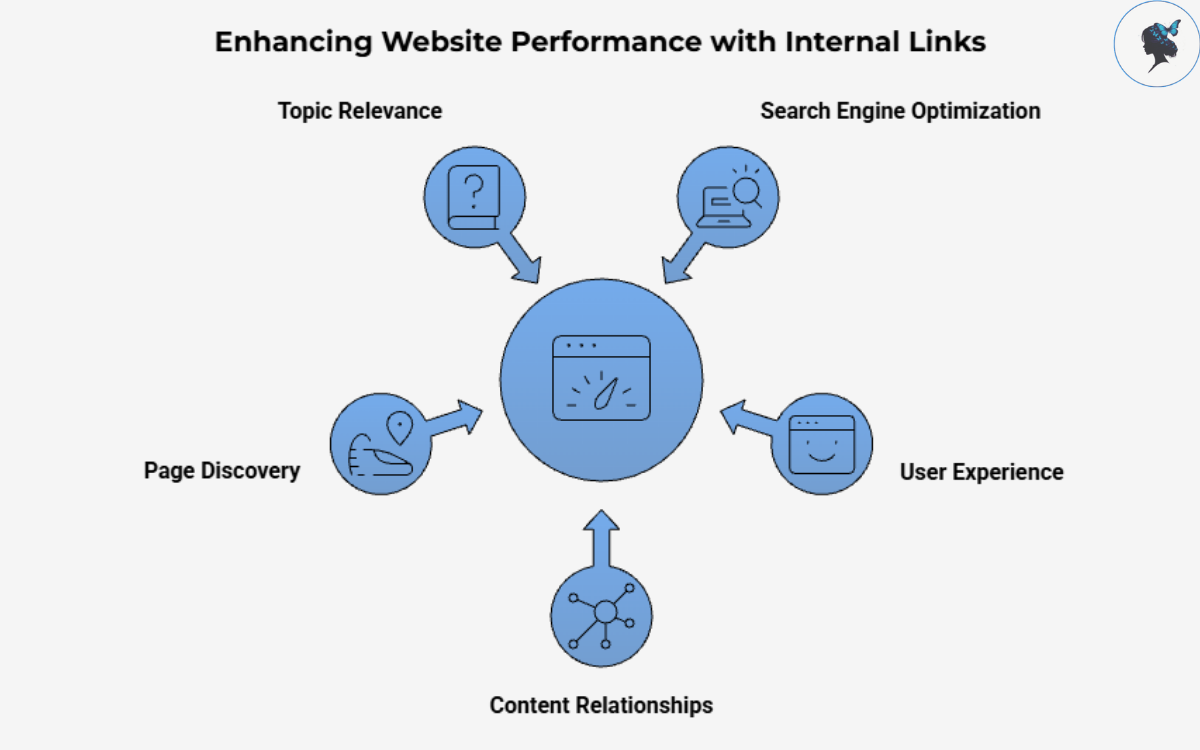
They help search engines:
- Discover new pages.
- Understand content relationships.
- Identify your most important pages.
- Determine topic relevance.
- Crawl your website more efficiently.
Just as importantly, internal links improve the user experience by guiding visitors toward useful resources and encouraging them to spend more time on your website.
When users find related information easily, they are more likely to engage with your content, trust your expertise, and eventually convert into customers.
How Internal Linking Builds Credibility and Authority
Search engines are becoming increasingly sophisticated in how they evaluate expertise.
Rather than focusing solely on individual keywords, modern SEO places greater emphasis on topical authority—the depth and breadth of content covering a subject.
Internal linking plays a critical role in demonstrating that authority.
Creating Topic Clusters
A topic cluster consists of a central “pillar” page supported by multiple related pieces of content.
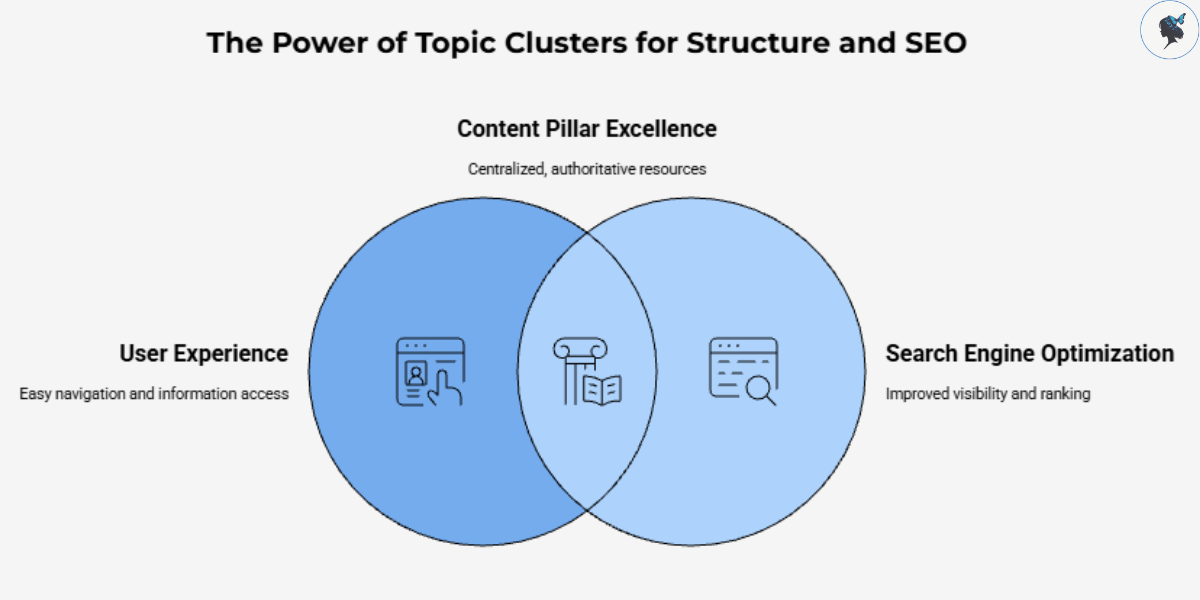
For example, a plumbing company could create:
Pillar Page:
- Plumbing Services
Supporting Content:
- Emergency Plumbing Repairs
- Water Heater Maintenance
- Leak Detection Guide
- Pipe Replacement Costs
- Drain Cleaning Tips
Each supporting article links back to the pillar page, while the pillar page links to the supporting content.
This structure helps search engines understand that the business has comprehensive expertise on plumbing-related topics.
According to SEO Score’s 2026 guide on content clusters, internal linking is the mechanism that connects related content, reinforces topical relationships, and strengthens authority signals across an entire website.
Building Trust With Users
Internal linking doesn’t just benefit search engines.
Visitors often arrive on a single page through search results. Strategic internal links encourage them to continue exploring your website.
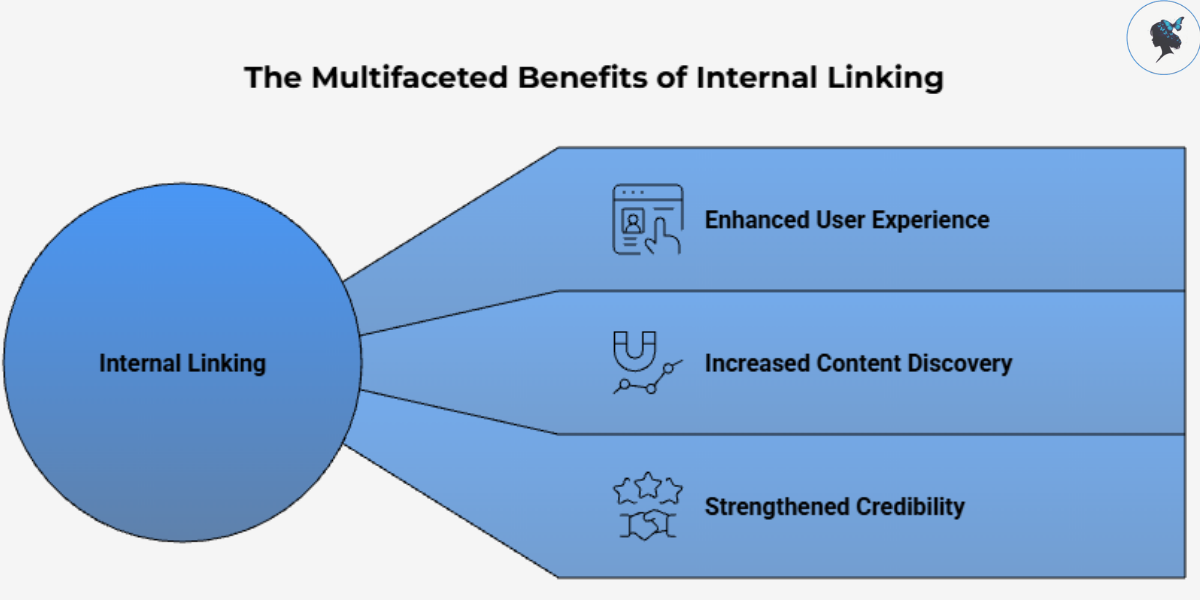
For example, if someone lands on a guide about bookkeeping, they may also find links to:
- Tax planning resources
- Financial reporting guides
- Accounting service pages
- Case studies
The more useful content users discover, the more likely they are to view your business as a credible authority.
A Step-by-Step Internal Linking Strategy for SMEs
Step 1: Identify Your Most Important Pages
Start by identifying the pages that have the greatest business value.
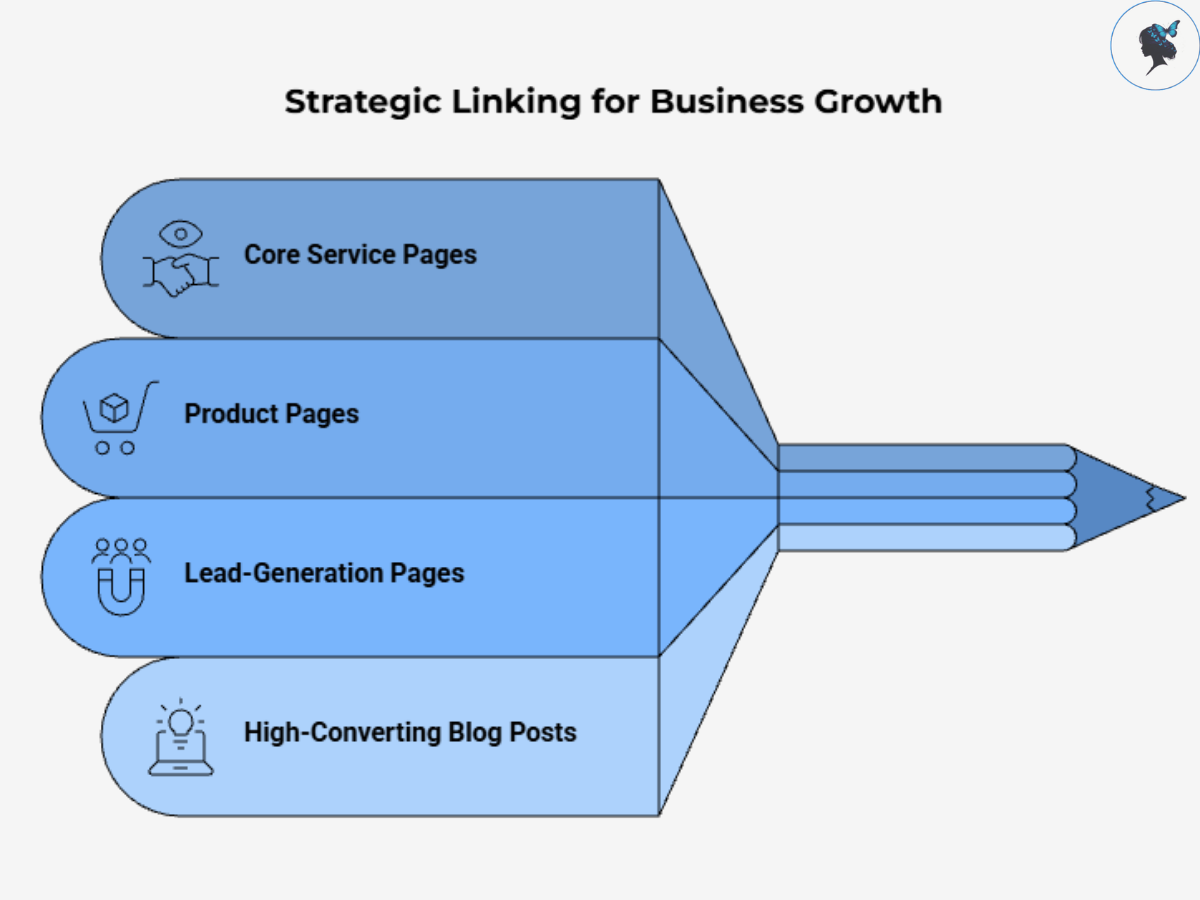
These typically include:
- Core service pages
- Product pages
- Lead-generation pages
- High-converting blog posts
These pages should receive the most internal links because they represent your primary business objectives.
Ask yourself:
“What pages would have the greatest impact if they ranked higher?”
Those pages should become your linking priorities.
Step 2: Organize Content Into Topic Groups
Review your existing content and group related pages together.
For example, a digital marketing agency might organize content into:
SEO
- Keyword Research
- Technical SEO
- Local SEO
- Link Building
Content Marketing
- Blog Strategy
- Content Audits
- AI Content Workflows
Each category should have a central page that acts as the primary resource for that topic.
This creates a logical structure for both users and search engines.
Step 3: Add Contextual Links Within Content
Contextual links are links placed naturally within the body of a page.
These are generally more valuable than navigation or footer links because they provide strong contextual signals.
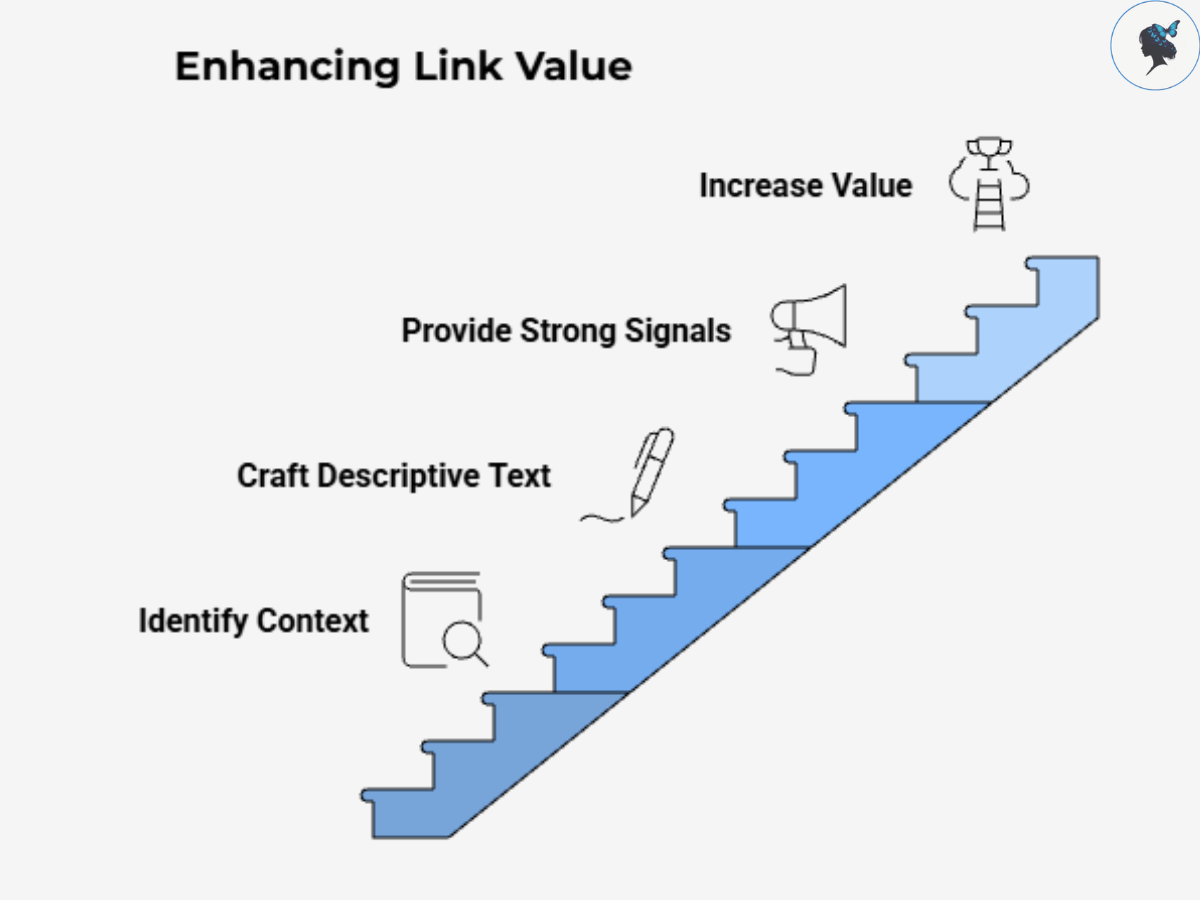
For example:
Instead of writing:
“Click here to learn more.”
Write:
“Our comprehensive local SEO guide explains how small businesses can improve visibility in local search results.”
The second example provides clear context about the linked page.
Step 4: Fix Orphan Pages
An orphan page is a page with no internal links pointing to it. These pages often struggle to rank because search engines may have difficulty discovering them.
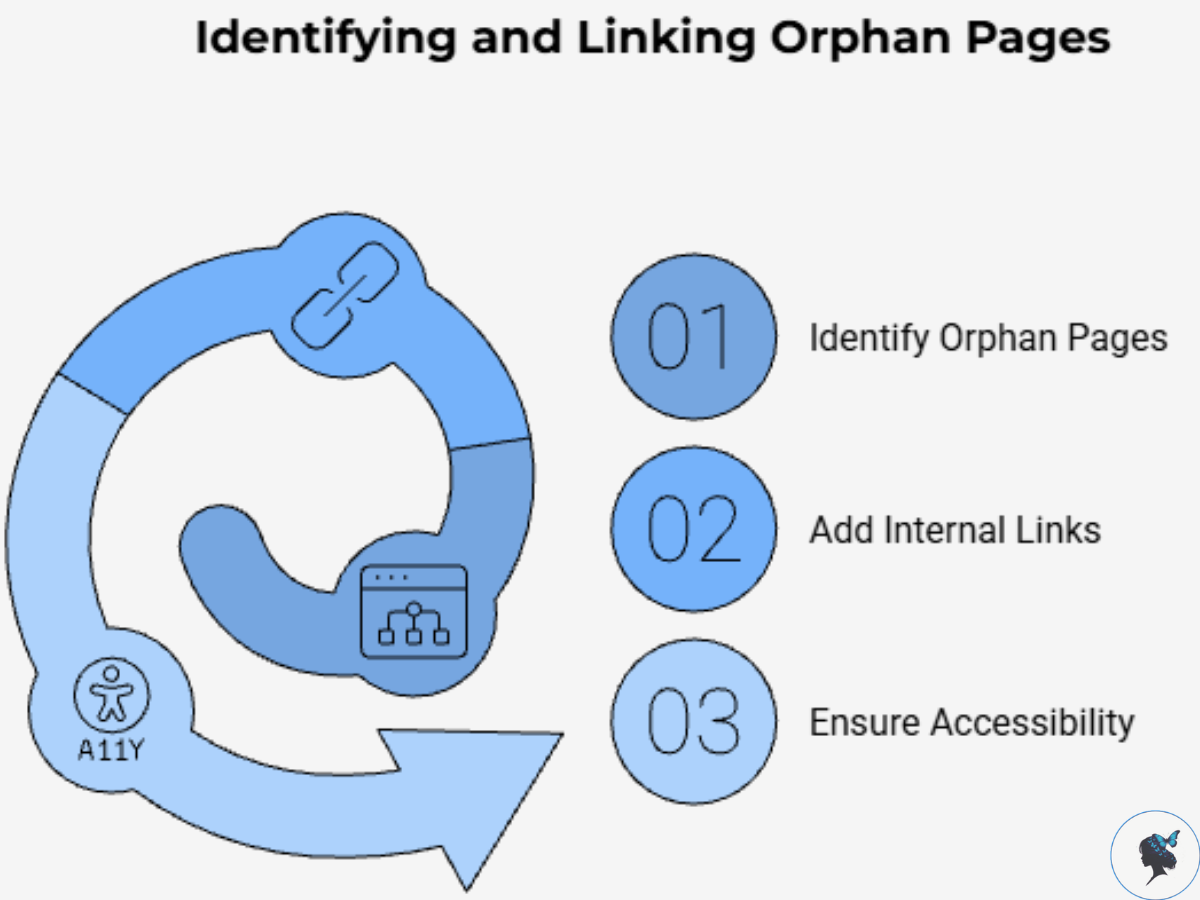
Use SEO tools such as:
to identify orphan pages on your website.
Once identified, add relevant internal links from related content. Every important page should be accessible through your site’s internal linking structure.
Step 5: Update Older Content Regularly
Many businesses publish new content but rarely revisit existing articles. This creates missed opportunities.
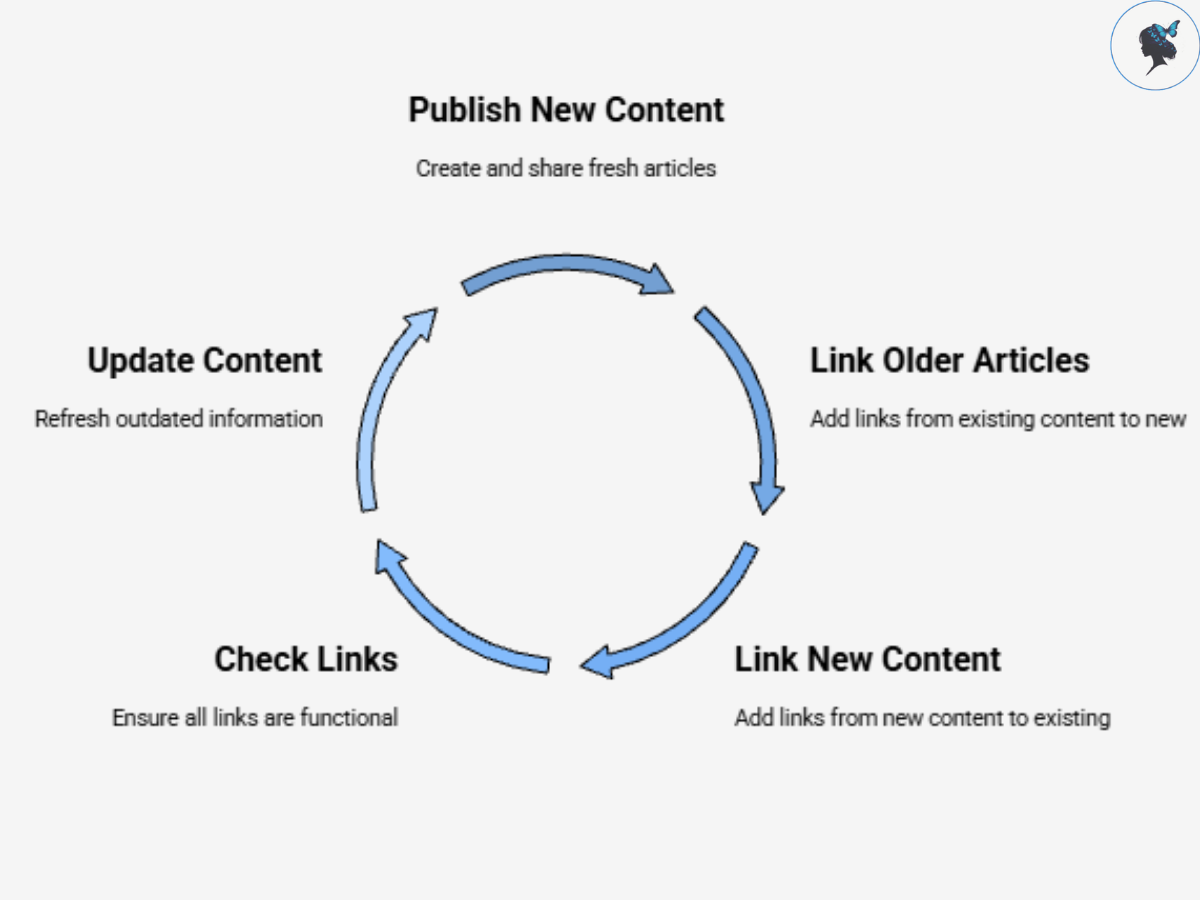
Each time you publish a new article:
- Add links from older articles to the new content.
- Add links from the new content to existing resources.
- Check for outdated or broken links.
This process keeps your content ecosystem connected and current.
Real-World Internal Linking Examples
New York City Tourism Websites
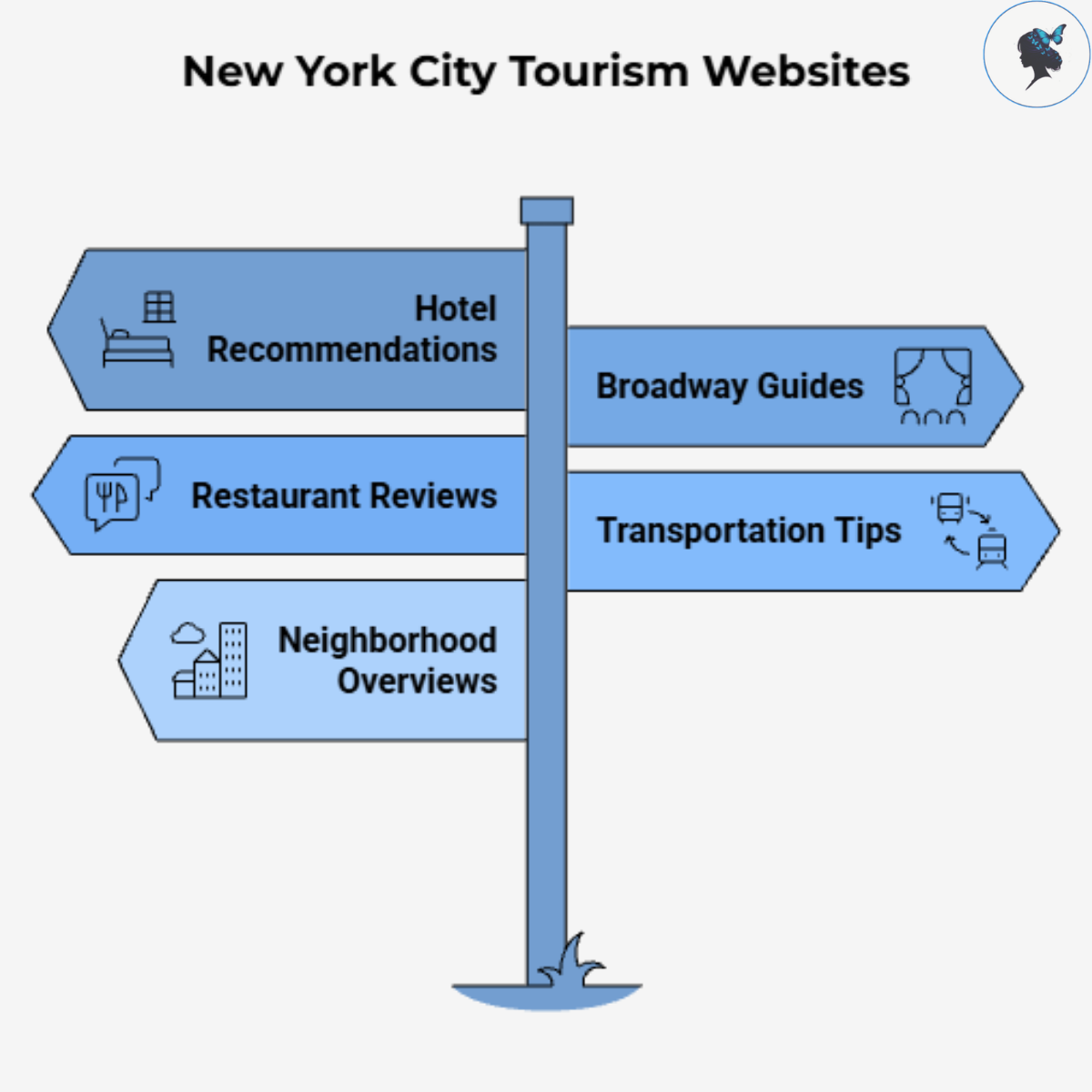
Tourism websites serving New York often create extensive content hubs around visitor interests. A visitor researching Times Square may encounter links to:
- Hotel recommendations
- Broadway guides
- Restaurant reviews
- Transportation tips
- Neighborhood overviews
This interconnected structure improves navigation and helps search engines understand relationships between topics.
London Financial Services Firms
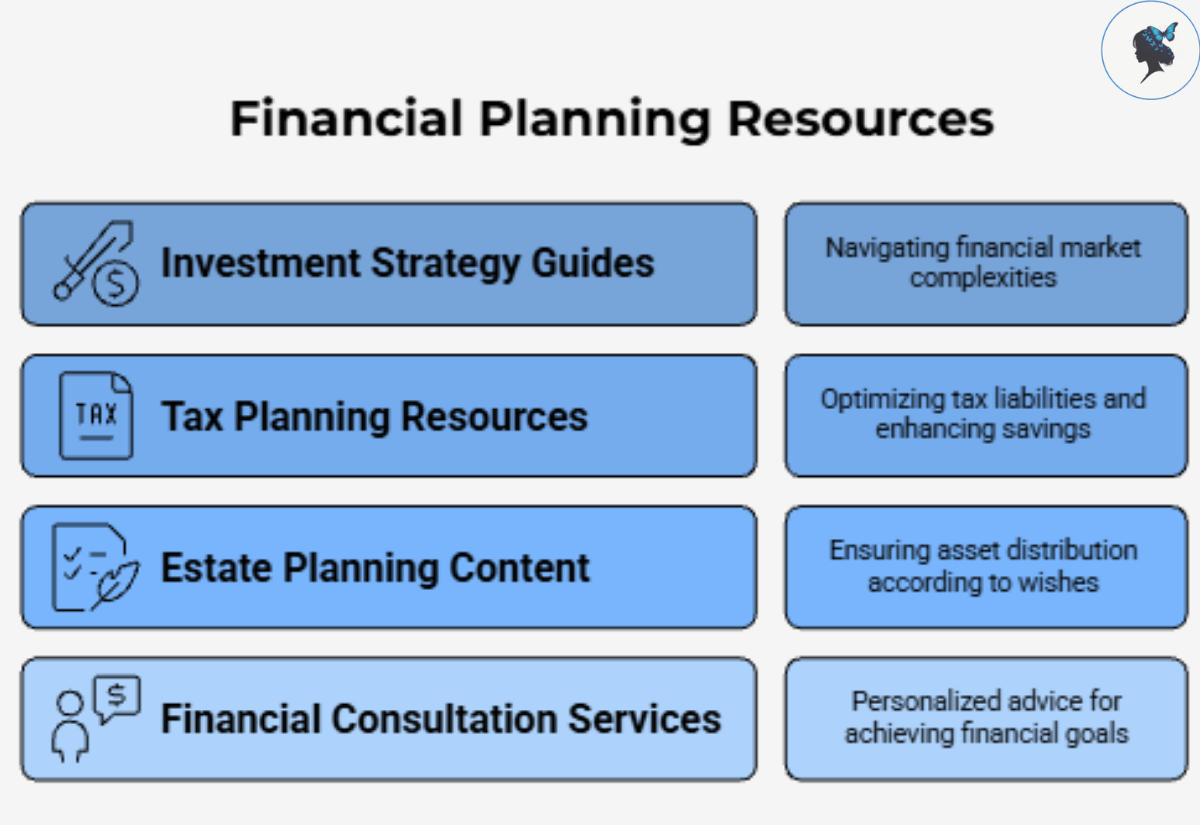
Financial advisory firms in London frequently build content hubs around wealth management. A retirement planning article may link to:
- Investment strategy guides
- Tax planning resources
- Estate planning content
- Financial consultation services
This structure demonstrates expertise while guiding users through a logical journey.
Singapore Technology Consultancies
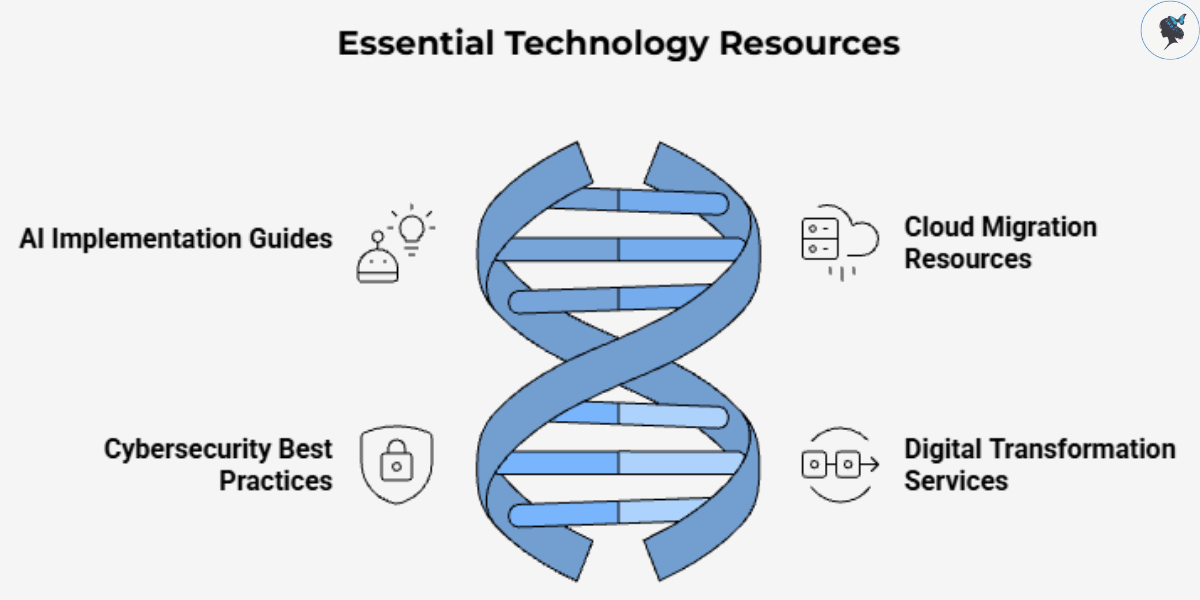
Technology consulting firms in Singapore often create clusters around digital transformation.
Examples include:
- AI implementation guides
- Cloud migration resources
- Cybersecurity best practices
- Digital transformation services
When linked effectively, these pages collectively strengthen topical authority and improve visibility for competitive industry terms.
Internal Linking Best Practices
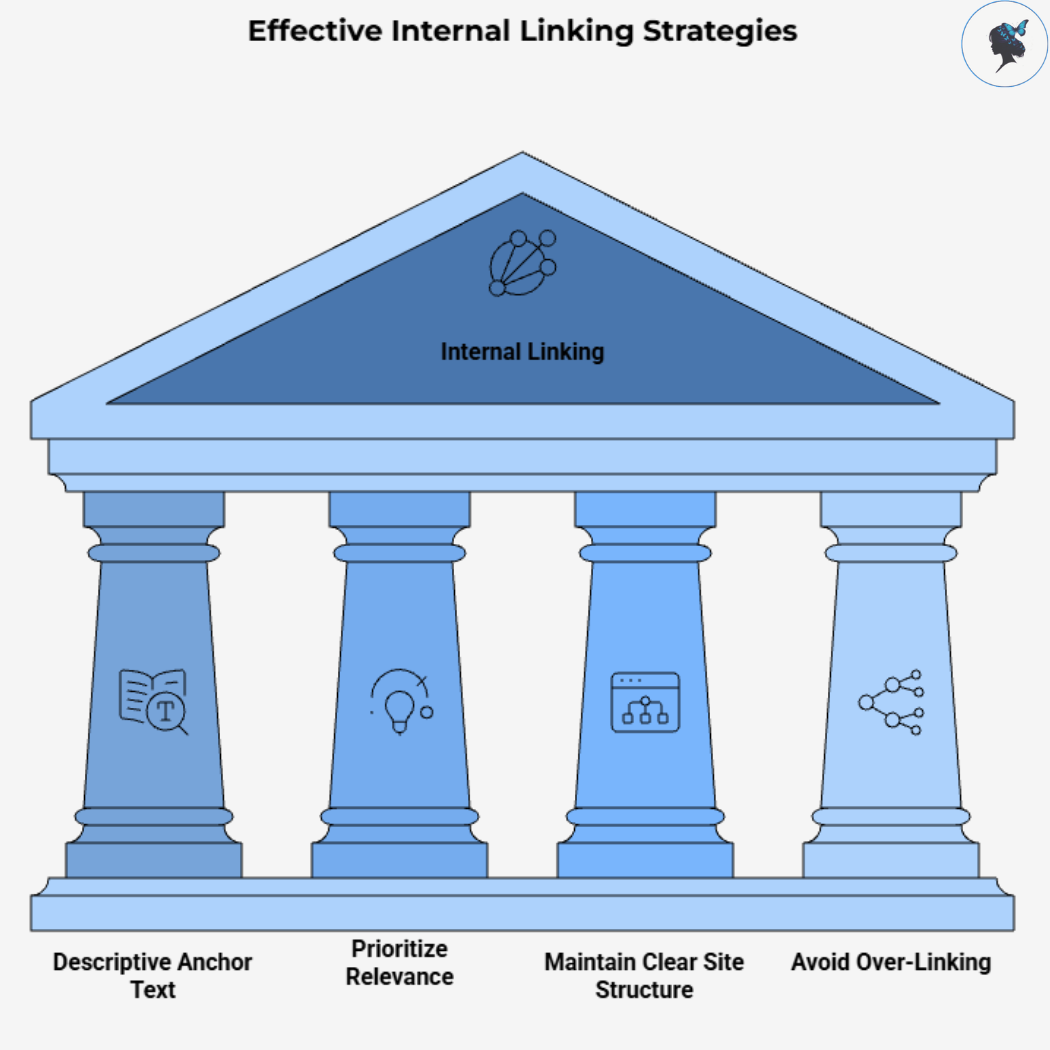
Use Descriptive Anchor Text
Good examples:
- Small business bookkeeping guide
- Local SEO checklist
- Water heater maintenance tips
Avoid:
- Click here
- Learn more
- Read this
Descriptive anchors provide context and improve usability.
Prioritize Relevance
Only create links when they genuinely add value.
The goal is not to maximize link quantity but to improve content relationships.
Ask:
“Would this link help a reader understand the topic better?”
If the answer is yes, it likely belongs there.
Maintain a Clear Site Structure
A simple hierarchy often works best:
- Home Page
- Service Categories
- Service Pages
- Supporting Blog Content
- Detailed Resources
This structure helps distribute authority throughout your website.
Research on internal linking continues to emphasize the importance of clear site architecture.
Avoid Over-Linking
Too many links can overwhelm readers and dilute relevance signals.
Instead:
- Focus on quality over quantity.
- Prioritize the most relevant destinations.
- Create logical pathways through your content.
A few highly relevant links often outperform dozens of unnecessary ones.
The Future of Internal Linking in SEO
As search engines continue to improve their understanding of content relationships, internal linking is becoming more important—not less.
Modern search systems increasingly evaluate websites based on expertise, topical depth, and user experience.
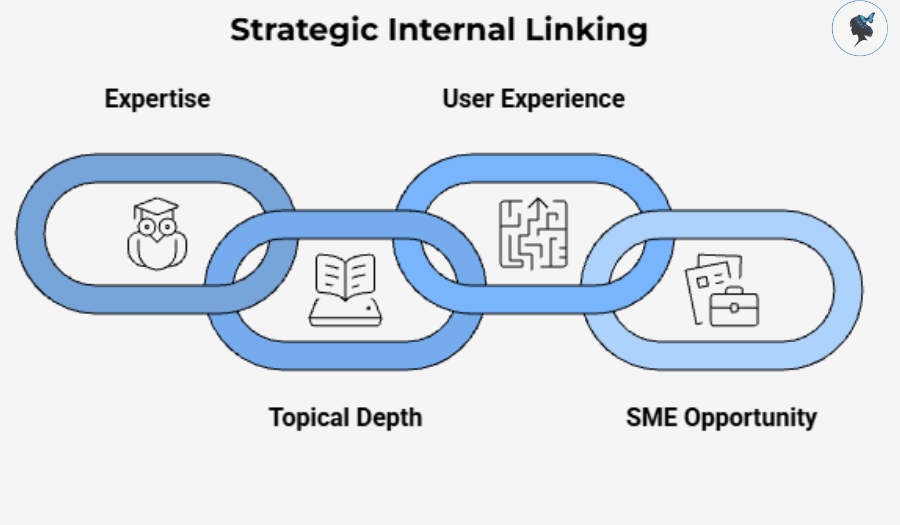
Internal links help communicate all three.
For SMEs competing against larger brands with bigger marketing budgets, internal linking represents a unique opportunity. It requires time and planning rather than significant financial investment, making it one of the highest-return SEO activities available.
Conclusion
Internal linking is far more than a technical SEO task.
It is a strategic framework that helps search engines understand your expertise while guiding users toward valuable content.
When implemented correctly, internal links can:
- Improve crawlability and indexing.
- Strengthen topical authority.
- Increase user engagement.
- Support higher rankings.
- Build trust and credibility.
For small and medium-sized businesses, the benefits are especially compelling because internal linking is entirely within your control.
Start by identifying your most important pages, organizing content into topic clusters, using descriptive anchor text, and regularly updating your existing content. Over time, these efforts can transform a collection of individual pages into a cohesive, authoritative resource that both users and search engines trust.
Need help with your internal linking strategy? Contact us today!
Discover more from Wander Women Strategies
Subscribe to get the latest posts sent to your email.
