

(And How to Fix Them)
▶ Table of Contents
- Introduction
- Mistake 1: Overly Complicated or Cluttered Navigation Menu
- Mistake 2: Inconsistent Navigation Placement and Design
- Mistake 3: Lack of Clear Calls to Action (CTAs) within Navigation
- Mistake 4: Ignoring Mobile Responsiveness
- Mistake 5: Unclear or Vague Link Labels
- Conclusion
Introduction
Your website navigation is like the front door of your business—if it’s confusing, cluttered, or hard to use, visitors won’t stick around. In 2026, with users expecting near-instant access to information, poor navigation can directly impact your conversions, credibility, and customer trust.
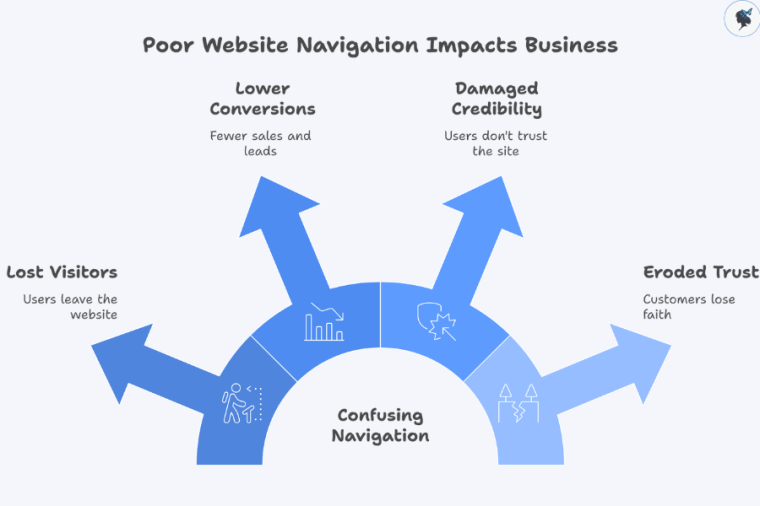
Many small businesses unknowingly make common navigation mistakes that frustrate users and drive them away. This article breaks down five of the most frequent issues—and gives you quick, practical fixes you can apply right away.
This guide is designed for small business owners and managers who want to improve their website without needing deep technical expertise. Need help? Contact us today!
Mistake 1: Overly Complicated or Cluttered Navigation Menu
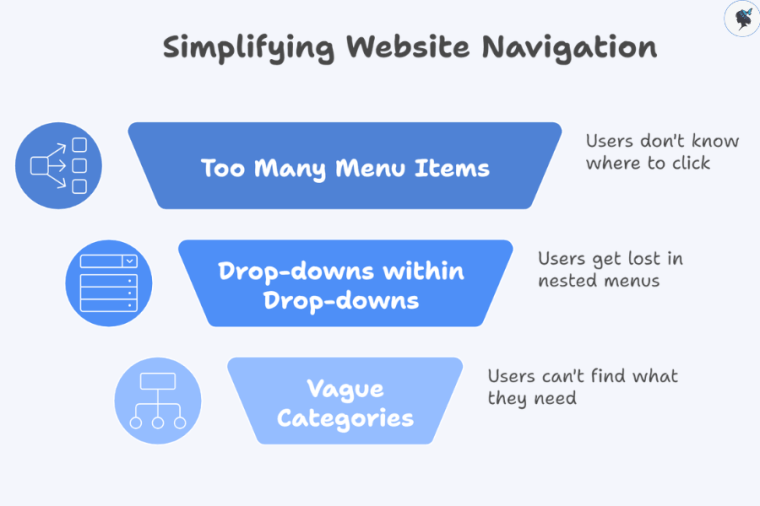
This often looks like:
- Too many menu items (10+ links in the main navigation)
- Drop-downs within drop-downs
- Vague or overlapping categories
Why it’s a problem:
- Users feel overwhelmed and don’t know where to click
- Important pages get buried
- It creates a “messy” and unprofessional impression
Relatable scenario: It’s like walking into a small shop where every product is crammed into the front window—nothing stands out, so customers walk away.
Quick Fixes
- Limit top-level menu items to 5–7 key pages
- Prioritize essentials (e.g., Home, Services, About, Contact)
- Use clear, simple labels (e.g., “Services” instead of “Solutions & Offerings”)
- Only use mega menus if you truly have a large catalog—and keep them organized
More about optimizing your website navigation here.
Mistake 2: Inconsistent Navigation Placement and Design
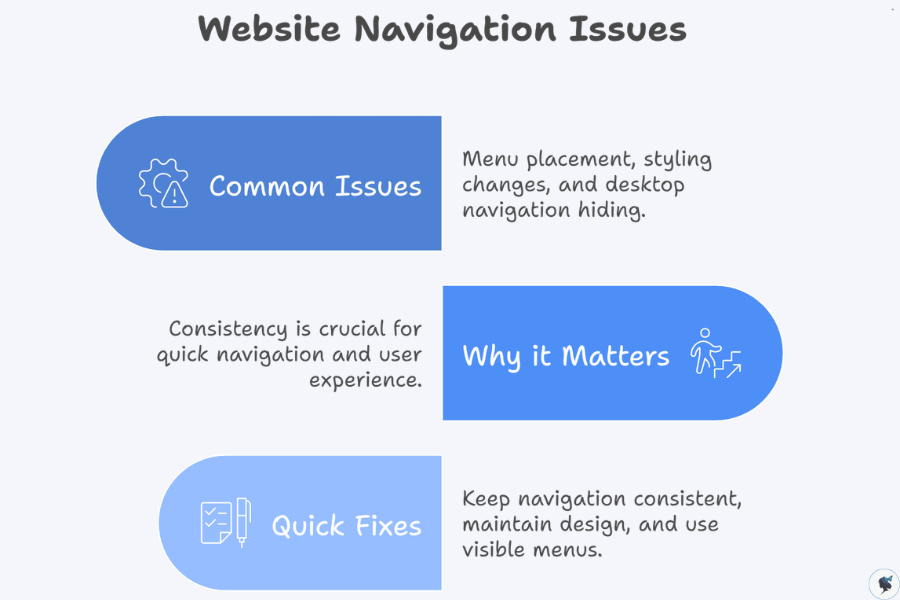
Common issues:
- Menu appears in different places on different pages
- Styling changes (colors, fonts, spacing)
- Desktop version hides navigation behind a hamburger icon
Why it matters:
- Users rely on consistency to navigate quickly
- Inconsistency creates confusion and frustration
Impact on small businesses: Visitors may lose trust and leave, assuming the site is outdated or unreliable.
Quick Fixes
- Keep navigation in the same location (typically the top header) across all pages
- Maintain consistent design (fonts, colors, spacing)
- Use a visible menu on desktop—reserve hamburger menus for mobile only
Mistake 3: Lack of Clear Calls to Action (CTAs) within Navigation
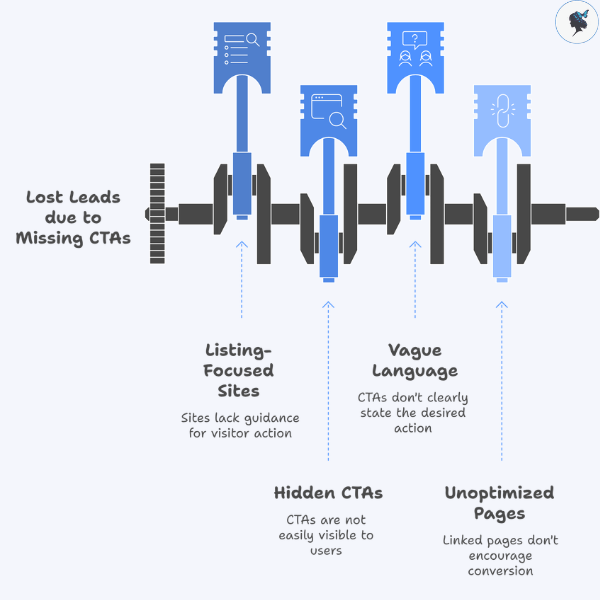
Issues:
Many small business sites focus only on listing pages, not guiding action.
Missing or hidden CTAs like:
- “Contact Us”
- “Get a Quote”
- “Book Now”
Why this hurts:
- Visitors may browse but never convert
- You lose potential leads and sales
2026 insight: Studies show users decide within seconds whether to take action—your navigation should make that decision easy.
Quick Fixes
- Add a prominent CTA button in your navigation bar
- Use action-driven language (e.g., “Get a Free Quote” instead of “Contact”)
- Make the CTA visually distinct (button style, contrasting color)
- Link to a focused, conversion-optimized page
Mistake 4: Ignoring Mobile Responsiveness
Common problems:
- Tiny text or links that are hard to tap
- Menus that don’t adapt to smaller screens
- Full desktop navigation crammed onto mobile
Why it’s critical:
- In 2026, over 60–70% of small business website traffic comes from mobile devices
- Poor mobile navigation leads to high bounce rates
Small business impact: You could be losing the majority of your potential customers without realizing it.
Quick Fixes
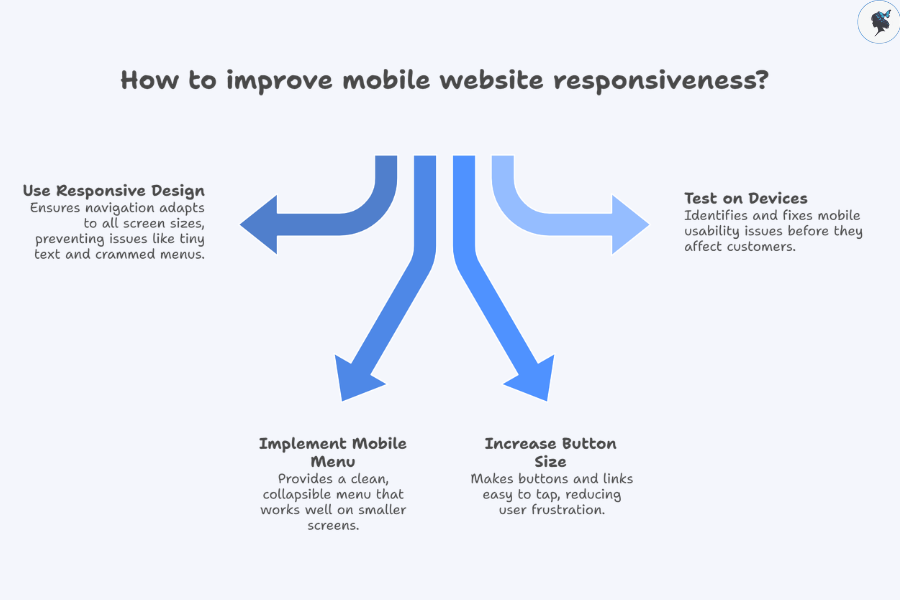
- Use responsive design so navigation adapts to all screen sizes
- Implement a clean, collapsible mobile menu (hamburger menu)
- Ensure buttons and links are large enough to tap
- Test your site on multiple devices (phones and tablets)
More about mobile optimization here.
Mistake 5: Unclear or Vague Link Labels
Problematic labels include:
- “Resources”
- “Info”
- Icons without text
Why this is an issue:
- Users scan quickly—they don’t want to guess
- Unclear labels create hesitation and confusion
Small business relevance: If users don’t understand what you offer in seconds, they may leave for a competitor.
Quick Fixes
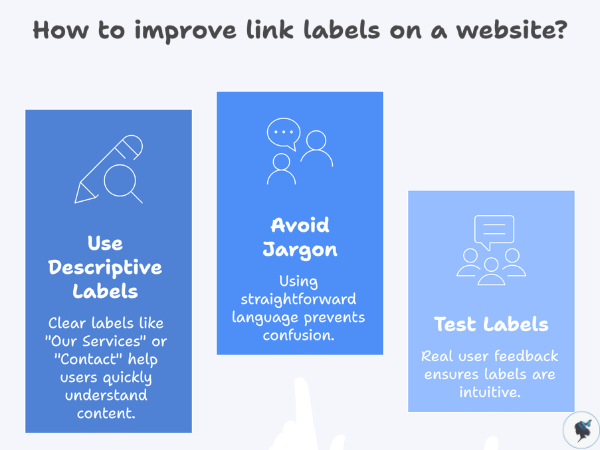
- Use descriptive, straightforward labels:
- “Our Services”
- “About Us”
- “Pricing”
- “Contact”
- Avoid internal jargon or clever wording
- Test your labels with a few real users—ask them what they expect to find
Conclusion
We covered five common navigation mistakes:
- Cluttered menus
- Inconsistent design
- Missing CTAs
- Poor mobile experience
- Unclear labels
Why it matters:
Fixing these issues can lead to:
- Better user experience
- Higher conversion rates
- Stronger trust in your brand
Take a few minutes today to review your website navigation—you’ll likely spot at least one of these issues.
Start improving your website’s navigation today—small changes can make a big difference in how customers find and choose your business.
Discover more from Wander Women Strategies
Subscribe to get the latest posts sent to your email.
